
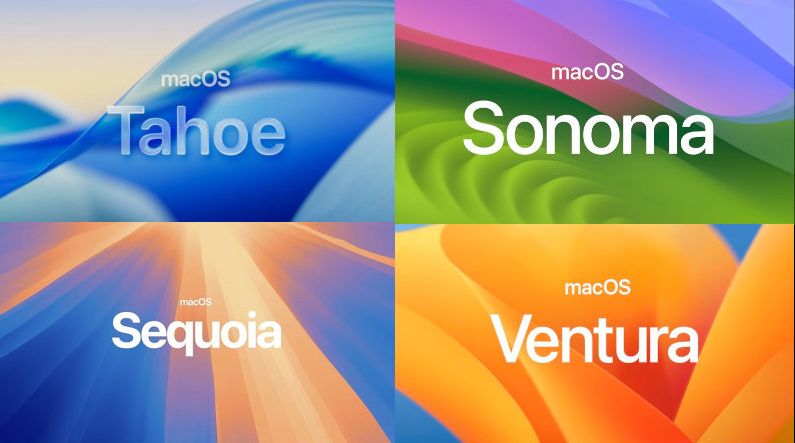
 which country you live in, our ultra-fast server will deliver the software you need just as quickly. Your computer could be running macOS as early as today. If delivery speed isn’t your priority, we can just as easily send you an installation USB stick or a ready-to-use drive with macOS via UPS , FedEx courier.
 really large about 15 GB but our server manages to do it. If you have a reasonably fast connection then in the least favorable circumstances in a few hours your computer will be fully compatible with macOS. Using a faster net you will download the necessary files in a few minutes. No need to wait to for the delivery of a pendrive or SSD drive, you save on shipping costs.
 downloadable file in ZIP format is protected by a special password . This is a direct connection to our private server, and the password-protected files are 100% secure. The password to unzip the files is sent up to 12 hours after purchase.
 macOS has been confugured and checked on a specific model of computer. Testing of all components such as graphics, CPU , wifi is already standard and the result is optimal performance and stable operation of the computer. On the other hand it is impossible to use these systems on other even similar computers .
created with
WYSIWYG Web Builder .